
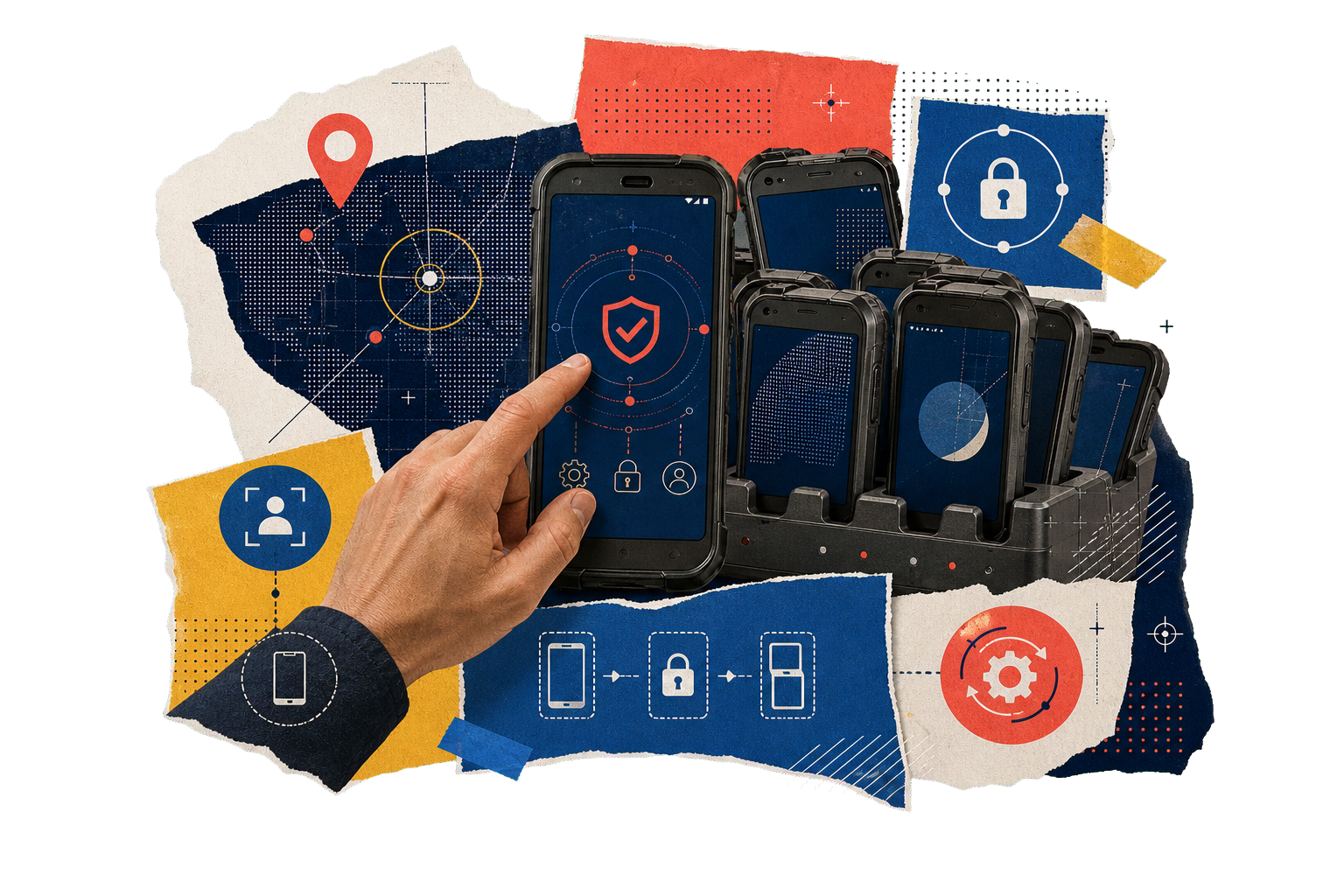
Configure for the Job
Set the apps, functions, and policies required for the work.
ALL-IN-ONE BUSINESS DEVICE
Mobigo MDM turns a company Android smartphone into a controlled, all-in-one work device. Use the capabilities already built into the phone for location tracking, communication, data capture, and dedicated business apps—without adding a separate device for each task.
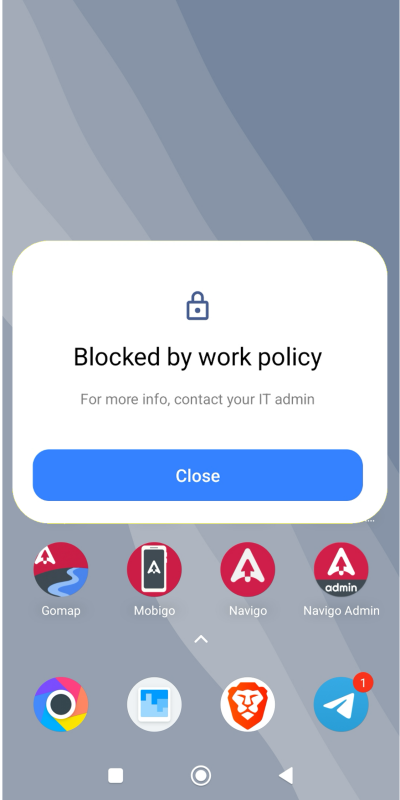
Allow only approved work apps to prevent misuse and unnecessary mobile-data consumption.
01 / ONE PHONE. CONFIGURED FOR THE WORK.
Set the apps, functions, and policies required for the work.
Use GPS, camera, connectivity, sensors, and Android apps.
Block unapproved apps to prevent misuse and unnecessary data use.
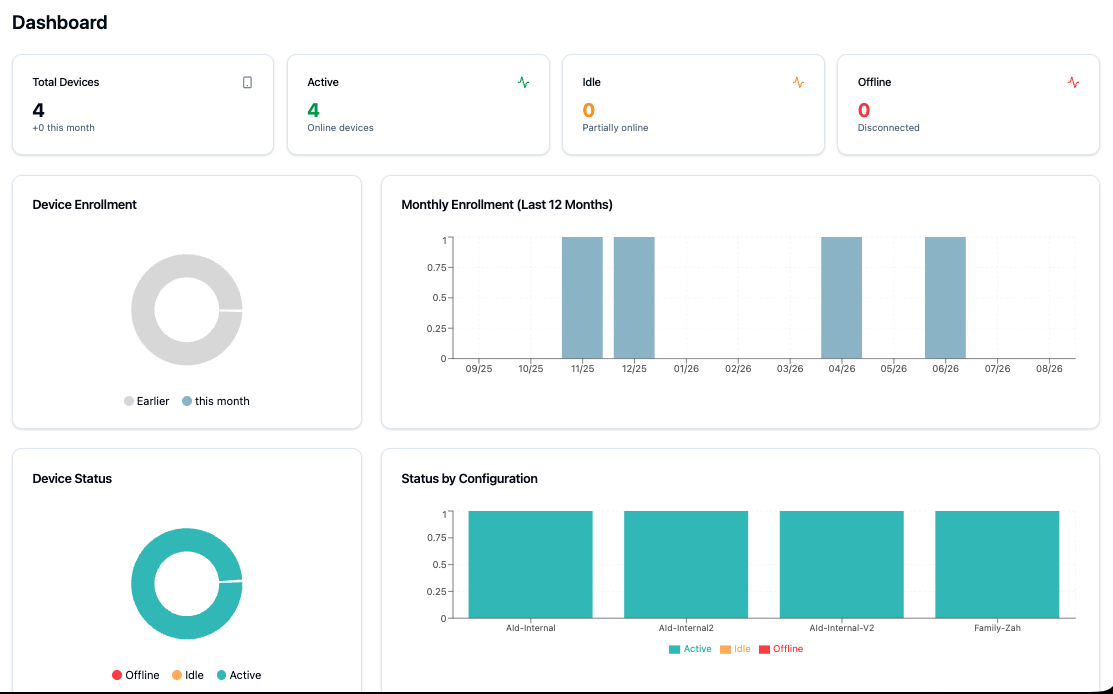
Manage policies, apps, permissions, and device status remotely.
02 / HOW MOBIGO WORKS
Add Android devices and assign them to your organization.
Set apps, functions, permissions, and policies for each role or team.
Monitor, update, and support your teams from a single dashboard.
03 / WHY A SMARTPHONE?
A smartphone already combines GPS, camera, mobile connectivity, Wi-Fi, sensors, processing power, and a vast app ecosystem in one device. This allows it to perform many business roles that would otherwise require separate equipment.
Produced at enormous global scale, smartphones offer availability, easy replacement, and price-to-performance that dedicated single-purpose devices struggle to match.
Use built-in GPS, camera, connectivity, sensors, processing, and apps for different operational needs.
Smartphones are widely available, easy to source, and simple to replace when business needs change.
Gain more functions from one device without purchasing and maintaining separate hardware for every task.
The smartphone provides the capability. Mobigo provides the control.
MOBIGO IN PRACTICE / SPKPd
SPKPd operates on smartphones managed by Mobigo. Mobigo configures the approved SPKPd apps, permissions, and device policies—turning an ordinary Android smartphone into a controlled, purpose-built terminal for SPKPd field operations.
One smartphone. Configured and managed for SPKPd.
Explore SPKPd